HelpWithdrawals
Withdraw your Zorion balance to an Indonesian bank account in a few steps. Have your bank, account number and the name on the account ready.
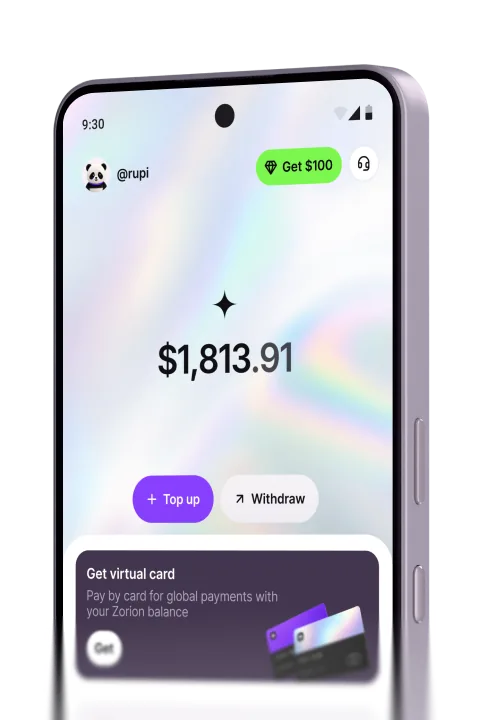
On the home screen, tap Withdraw (next to Top up).
Pick Bank account — choose Crypto wallet instead to send USDT on-chain. Enter how much to withdraw and tap Continue.
Tap Bank and pick yours from the list — search by name rather than scrolling.
Fill in the account holder’s name, country, date of birth and account number.
Check the bank, account number, the amount you send, what you get in IDR and the fee, then tap Confirm and send.
Note: Double-check the account number — a bank transfer can’t be reversed once it’s sent.
Create your account to keep, send, and spend USD from one place