HelpWithdrawals
Withdraw USDt to any external crypto wallet on the TRON (TRC-20) network.
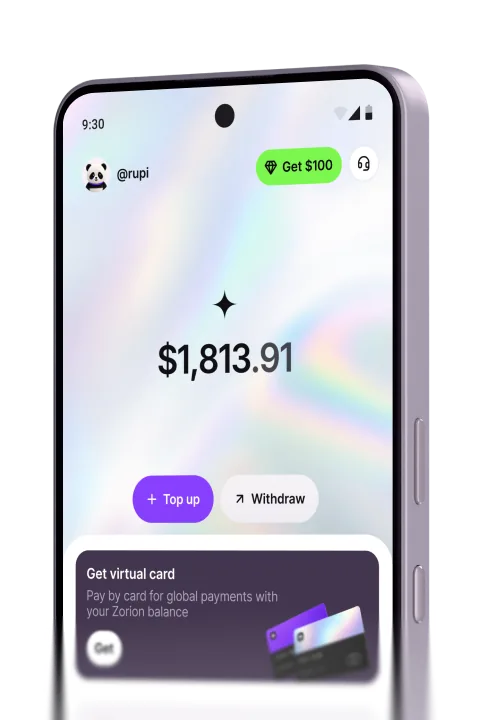
Open Withdraw, pick Crypto wallet, enter the amount and tap Continue.
Copy your USDT address from your wallet app, paste it here, then tap Continue. Use the TRC-20 (TRON) network only.
Note: Send only on the TRON (TRC-20) network — using another network loses the funds, and transfers to a wrong address can’t be recovered.
Create your account to keep, send, and spend USD from one place