
HelpWithdrawals

How do I withdraw to my DANA e-wallet?

Withdraw your Zorion balance straight to a DANA e-wallet. Have the recipient's DANA phone number ready. Minimum 11 USDT.

  1. Choose DANA e-wallet

Tap Withdraw, then pick DANA e-wallet. The same screen also offers a crypto wallet and a bank account.
Choose where to withdraw — DANA e-wallet

  1. Enter the amount

Type how much to withdraw and tap Continue. The header shows which wallet it comes from and how much is available.
DANA withdrawal — enter the amount

  1. Enter the DANA wallet number

Fill in the wallet number and the recipient's first and last name, then tap Continue.
Enter DANA wallet number

Before you continue

  • Use the phone number linked to the recipient's DANA wallet
  • Enter it starting with 08, 62 or +62 — we format it automatically
  • Double-check the number. A completed DANA transfer can't be reversed

How long it takes: up to 2 days.

Start using Zorion in minutes

Create your account to keep, send, and spend USD from one place
Create account
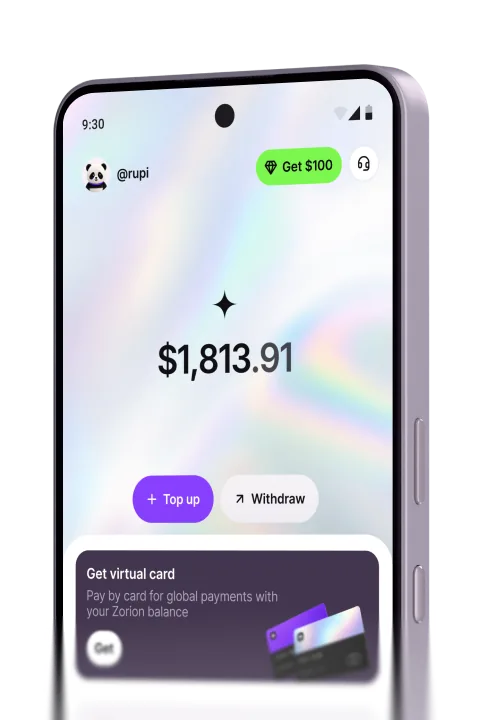
The Zorion app wallet screen
Zorion
  • support@zorion.com
  • Advanced Tower, 1st Floor, Office C-D, Ricardo Arias Street, Panama City, Republic of Panama