HelpTop-ups
Top up your Zorion balance with USDT (TRC-20) — it takes two steps.
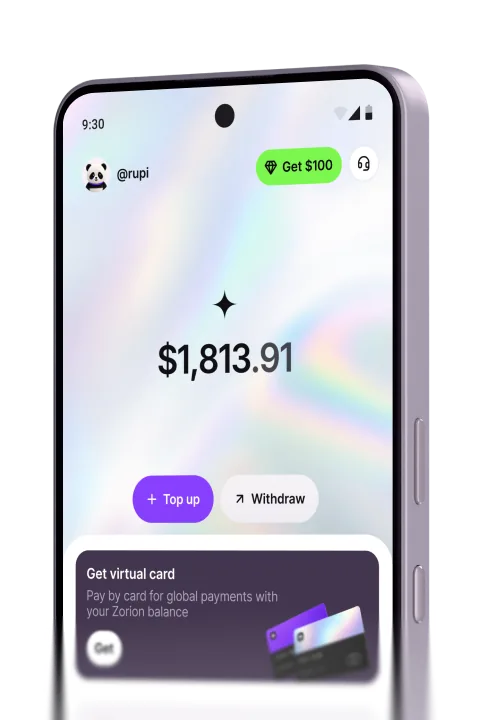
On the home screen, tap Top up below your balance.
Scan the QR code with your wallet app, or copy the deposit address and send exactly the amount shown. Use the TRC-20 network only.
Note: Only USDT TRC-20 is supported — the wrong network means funds won’t arrive. Finish within the 15-minute window; your balance updates once the network confirms.
Create your account to keep, send, and spend USD from one place