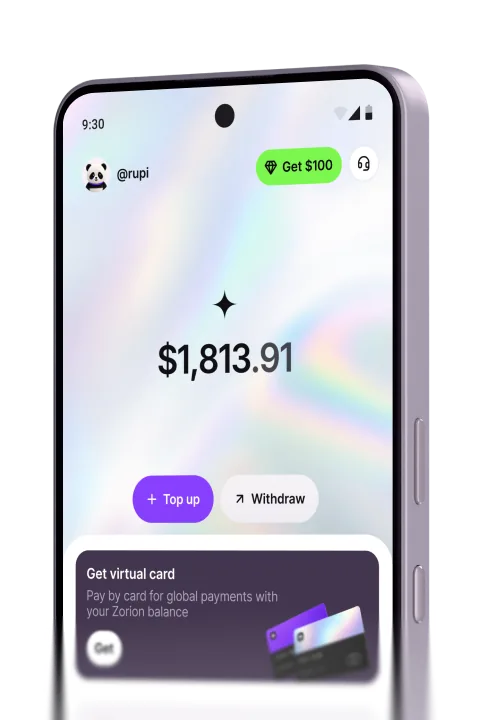
HelpZorion virtual card
The card is funded from your Zorion wallet balance, so a top-up is instant · no external transfer, no waiting, and no fee.
Go to the Cards tab and tap Top up.
The amount you enter is the amount that lands on the card · topping up is free. If the amount is outside the limits the app says so before you can continue. Tap Top up to confirm.
The money is on the card straight away and the card balance updates.
LimitsThe smallest top-up is $5, the largest is $10,000. The app tells you before you can continue if the amount is outside that.
Moving money the other way is free too · see the card transaction fees.
Create your account to keep, send, and spend USD from one place