
HelpZorion virtual card

How do I get a virtual card?

Takes about a minute. Have your name, date of birth, country of residence, phone number and email ready.

  1. Open the Cards tab

From your wallet, tap Cards in the bottom bar.

  1. Unlock the card

Tap Unlock card on the greyed-out card.
Cards tab with the Unlock card button

  1. Verify your identity

First and last name, date of birth, country of residence, phone number and email. Tap Continue. It usually takes about a minute.
Identity form asking for name, date of birth, country, phone and email

  1. Accept the card terms

Read the Rules screen, tick the box and tap Agree and continue.
The Rules screen listing what the card cannot be used for

What you can't spend it on

  • Investing, crypto and forex, including trading and brokerage accounts
  • Gambling, betting and lotteries
  • Adult content and dating apps
  • ATM cash withdrawals
  • Gift cards and other prepaid cards
  • Person-to-person transfers

A payment in any of these categories is declined, and three declines in a row can close the card.

  1. Make the first deposit

The card is activated by its first deposit. The $1 issuance fee is taken from your balance once, and the rest of what you deposit lands on the card.

  1. The card is ready

Tap Open card details for the number, expiry date and CVV.

Good to know

  • No monthly fee, and no fee on payments, top-ups or withdrawals
  • One card per account
  • No PIN is asked for at any point

Start using Zorion in minutes

Create your account to keep, send, and spend USD from one place
Create account
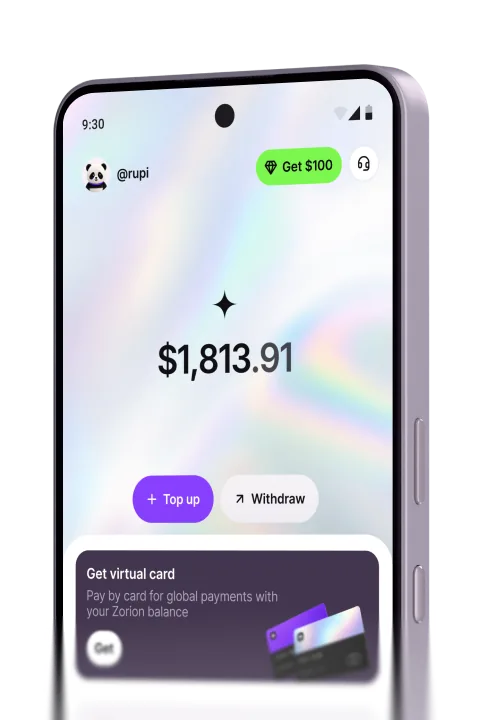
The Zorion app wallet screen
Zorion
  • support@zorion.com
  • Advanced Tower, 1st Floor, Office C-D, Ricardo Arias Street, Panama City, Republic of Panama