Cards & Payments
How to Pay Booking.com & Agoda Without a Credit Card
Booking.com and Agoda almost always ask for a card at checkout. That’s true even for rooms you could pay for at the hotel in cash. The problem is that plenty of travelers don’t own a credit card at all. Even a debit card often gets declined the moment the system flags it as a foreign transaction. If you’ve been searching for how to pay Booking.com without a credit card, a virtual card is the fix. Below: why hotels ask for a card, how to use a virtual one step by step, and the mistakes that make bookings fail at the last second.
Why Booking.com and Agoda ask for a card at all
Booking sites don’t just use your card to ”verify” you. They use it to guarantee you’ll actually show up. For some rates, they place a temporary hold — usually the equivalent of one night’s stay, or around 10-30% of the total. That hold gets released again 3-7 days after checkout if nothing goes wrong. It’s also what confuses people who see money ”missing” from their balance before they’ve even checked in.
Here’s the part that trips travelers up: a lot of local debit cards aren’t enabled for cross-border transactions by default. Booking.com bills out of the Netherlands, and Agoda bills out of Singapore. Your bank treats both as foreign merchants. If your card isn’t switched on for international online payments, the hold gets rejected outright. That’s exactly the moment people start searching for how to pay Booking.com without a credit card. A reservation that looked fine a second ago can suddenly fail, even though there’s plenty of money sitting in the account.
How to pay Booking.com without a credit card, step by step
A virtual card sidesteps this. It’s built for online payments from day one, and it’s already enabled for international charges. Here’s the sequence:
For ”pay at hotel” rates, the property may still ask for a card when you arrive to check in. Always read the booking conditions before you confirm.
Pay now vs. pay at hotel: what the numbers look like
Say you book a room at $60 a night for three nights — $180 total. On a ”pay now” rate, that amount is charged in full to your virtual card immediately. It’s the simplest option. You know exactly what left your balance.
On a ”pay at hotel” rate, the site typically holds back a smaller amount as a guarantee — say 15% of the total, around $27. To avoid the booking stalling out, top up your virtual card for at least that hold amount. Don’t just cover the bare room price. Once check-in is done, the hold is usually released within a few days.
Why debit cards fail when you try to pay Booking.com without a credit card
There are three usual culprits. One is a card that isn’t enabled for cross-border transactions at all — the most common issue with cards from local retail banks. Another is a card with enough balance for the room but not enough to cover the extra deposit hold. The charge fails even though the money looks available. A third culprit is a card that was never enrolled in 3D Secure. The hotel’s payment system blocks it automatically for security.
A virtual card sidesteps all three at once, since it’s designed for cross-border online payments from the start. Fixing those three issues is really what how to pay Booking.com without a credit card comes down to in practice.
When you’ll need a virtual card for booking the most
The scenario that comes up constantly: you’ve just cashed out trading winnings and want to book a trip right away. You don’t want to wait days for a physical bank card to show up in the mail. Plenty of travelers simply don’t carry a credit card in the first place. Either they were never approved for one, or they’d rather not open a credit line just to book a hotel.
Another common case is holding crypto like USDT and wanting to spend part of it on a trip. You don’t want to wait through a multi-day bank withdrawal first. A virtual card is usable the moment the balance lands. You can check out on Booking.com or Agoda the same day.
Common mistakes that sink a booking
The most common mistake is topping up a virtual card for the exact room price with no buffer for the deposit hold. That gets the charge rejected at the last step. Another is choosing ”pay at hotel” without checking whether the property actually accepts a virtual card at check-in. When in doubt, ”pay now” is the safer route. Plenty of travelers also wait until the day before departure to sort out their card. Verification and top-up are better handled several days ahead, so there’s no last-minute scramble.
Frequently asked questions
Book your trip with a Zorion virtual card
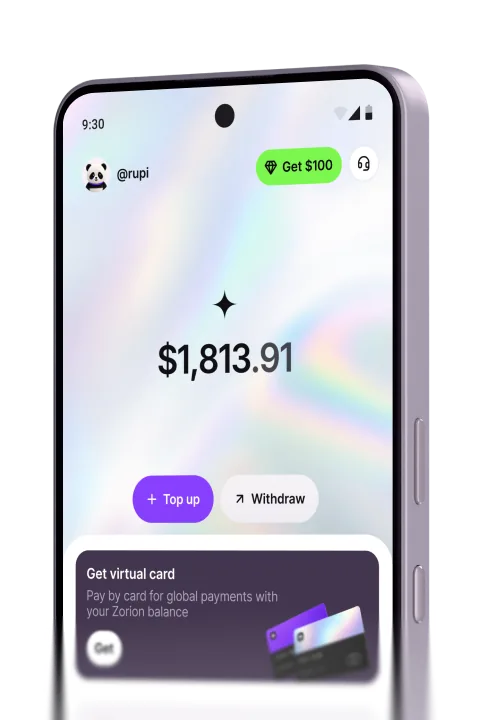
If you’re still working out how to pay Booking.com without a credit card before a trip, a Zorion virtual card is ready to use within minutes of your balance landing. There’s no waiting for a physical bank card to arrive. It works for both ”pay now” rates and deposit holds on Booking.com, Agoda, and airlines worldwide. It’s enabled for cross-border payments from day one. Anyone can sign up and try it today.
Keep reading
Zorion vs Kast: Is a $1,000+/Year Crypto Card Membership Worth It?
Your balance sits in USD, ready to spend on a virtual card the next time a subscription or an online
Zorion vs Oobit: Do You Need Your Own Crypto Wallet First?
You want to spend it on Netflix or ChatGPT. You search zorion vs oobit because both names keep showing up together. Before
Zorion vs RedotPay: Free Virtual Card or Pay $10-$100 First?
You just cashed out your winnings from a trading platform, converted to USDT, and now you’re looking for a way to spend that balance on international services —…