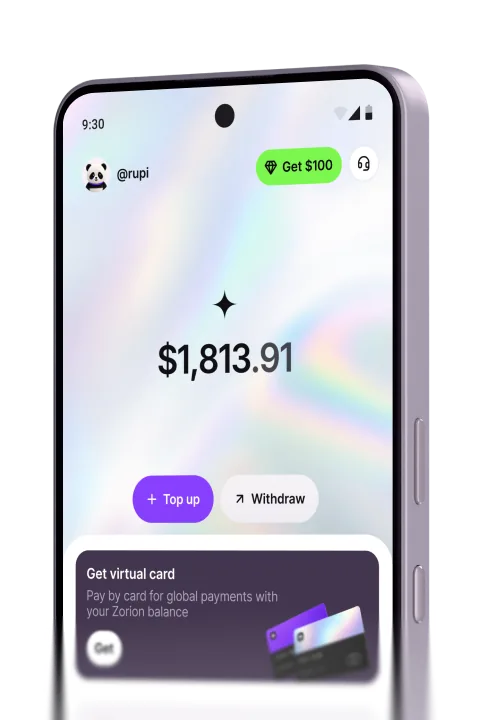
Keep the money you earn from crypto or trading platforms in USD, then send it straight to your DANA balance — no bank required.
Where your money comes from
Crypto exchanges, trading platforms, freelance and ad platforms — if you’ve earned it in USD or USDT, it can land in your DANA account.
Crypto exchanges
Convert USDT or Bitcoin balances straight into your Zorion USD balance.
Trading platforms
Move profit off a platform and into money you can actually spend or withdraw.
Freelance platforms
Bring in USD payments from clients without a foreign bank account.
Ad & affiliate platforms
Cash out payouts that usually only support a handful of countries.
How to withdraw in the app
No bank, no confusing forms. A few taps and it’s done.
Why withdraw to DANA this way
Convert once, not twice
Crypto or USDT converts straight to rupiah inside Zorion — skip the extra step on a separate exchange.
No bank account needed
DANA withdrawals go straight to a phone number, so there’s no IBAN, no branch visit, no bank approval to wait on.
See the amount before you confirm
The exact amount landing in your DANA balance is shown before you tap confirm — no surprises after.
Skip the transfer queue
Income from trading platforms and other online sources reaches your DANA balance in minutes, not the days a bank transfer can take.
Bank-level protection
AES-256 encryption, 2FA on every login, and real-time fraud monitoring.
Private account details
PIN-protected account details, with an instant freeze if something looks wrong.
Human support
Real people, 24/7, in Bahasa Indonesia.
See the most common questions about withdrawing to DANA answered here.
Create your account to keep, send, and withdraw USD to DANA from one place.