Help/Getting Started
Tip: you can also switch between Light and Dark theme from the same menu.
Create your account to keep, send, and spend USD from one place
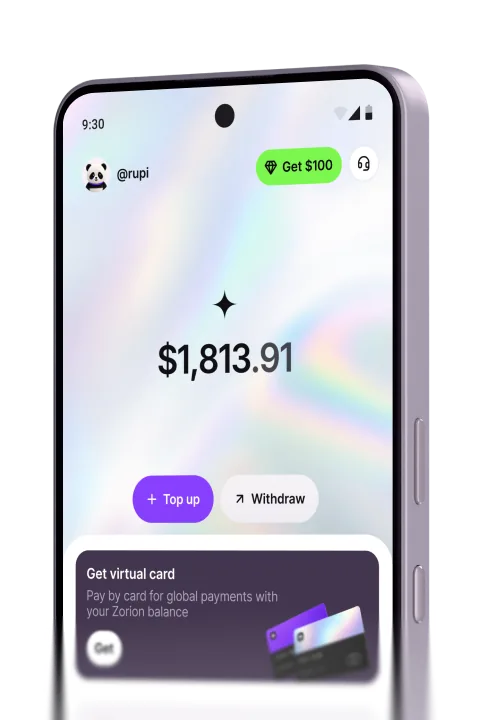
Zorion is a digital wallet for managing your money in USD. Store funds, send money, and pay online with a virtual card — all from one simple account designed for everyday use.
Explore
Contacts
Follow Zorion
Stay connected for product updates, news, and helpful tips